![Mortal Kombat II (World) [Hack by Smoke v0.70] (~Mortal Kombat II Unlimited)](https://res.classicgames.app/game-thumbnail/mortal-kombat-ii-world-hack-by-smoke-v0-70-mortal-kombat-ii-unlimited-thumbnail.webp)
![Sonic the Hedgehog (USA, Europe) [Hack by LOst v1.0] (Sonic Jam's Easy Mode)](https://res.classicgames.app/game-thumbnail/sonic-the-hedgehog-usa-europe-hack-by-lost-v1-0-sonic-jam-s-easy-mode-thumbnail.webp)
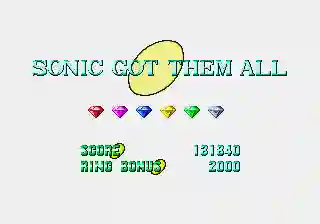
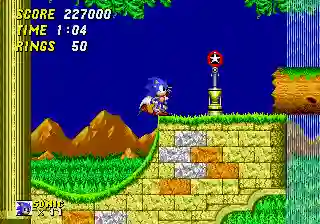
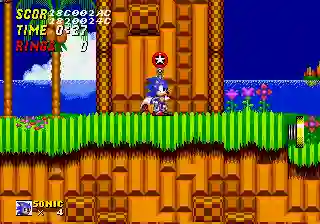


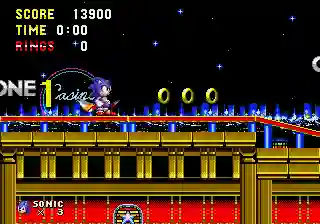
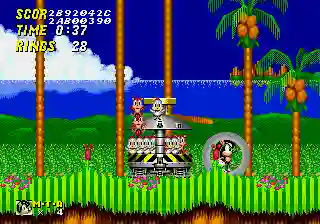
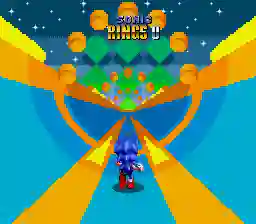

![Sonic the Hedgehog 2 (World) (Rev A) [Hack by ColinC10 v1.0] (~Robotnik's Revenge) (Boss Mode)](https://res.classicgames.app/game-thumbnail/sonic-the-hedgehog-2-world-rev-a-hack-by-colinc10-v1-0-robotnik-s-revenge-boss-mode-thumbnail.webp)
![Street Fighter II' - Champion Edition (YYC bootleg set 2, 920313 etc) [Bootleg]](https://res.classicgames.app/game-thumbnail/street-fighter-ii-champion-edition-yyc-bootleg-set-2-920313-etc-bootleg-thumbnail.webp)
Overview
Inside Shadow the Hedgehog in Sonic 1
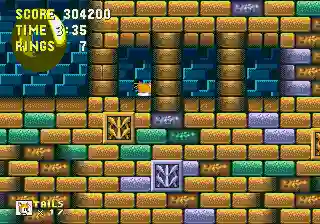
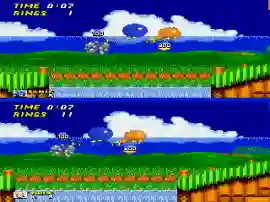
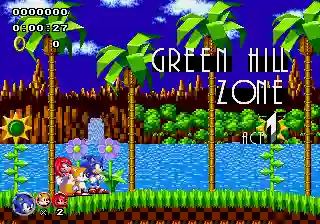
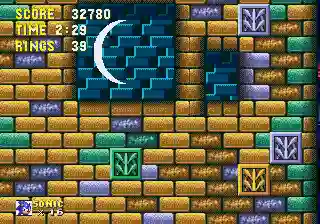
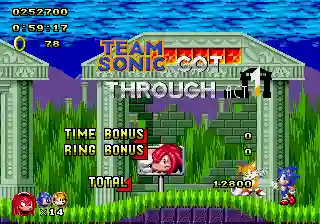
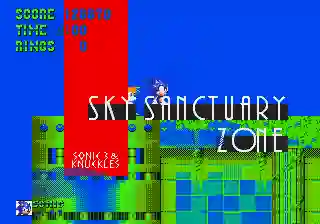
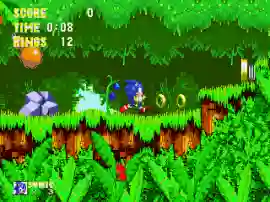
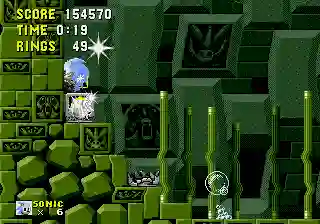
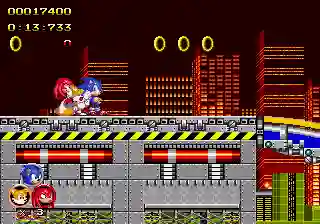
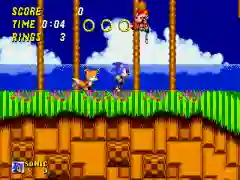
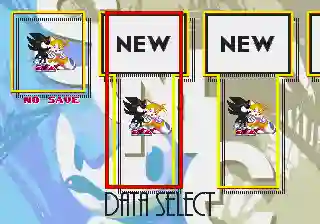
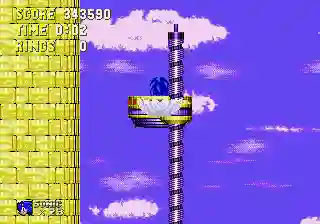
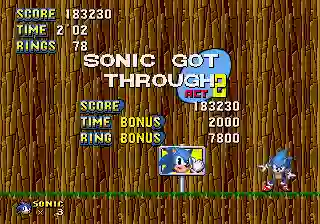
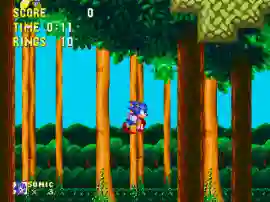
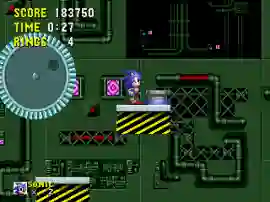
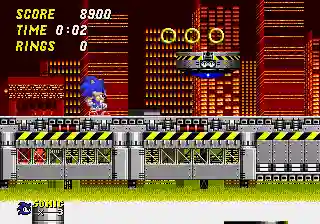
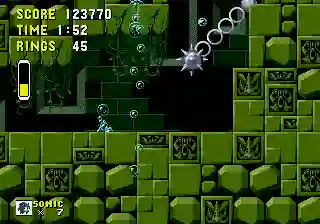
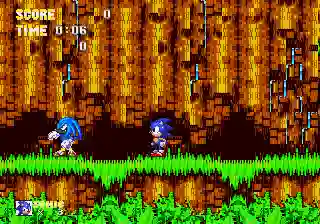
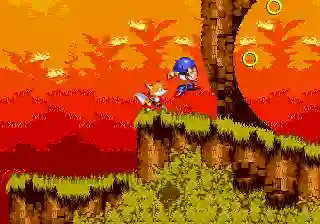
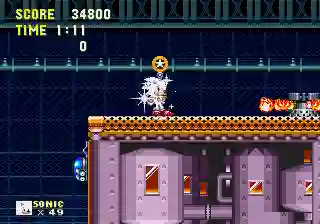
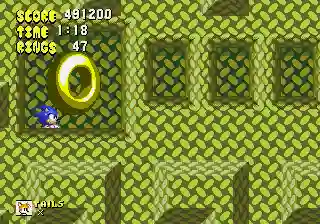
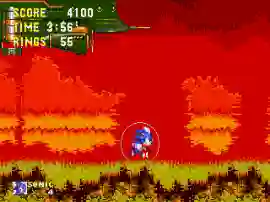
Play as Shadow the Hedgehog in this classic Sonic 1 Genesis rom hack. Master new moves and battle enemies across classic Sonic zones in a fresh standalone adventure for Genesis.
Play as Shadow the Hedgehog in this classic Sonic 1 Genesis rom hack. Master new moves and battle enemies across classic Sonic zones in a fresh standalone adventure for Genesis.
What Players Notice
Shadow the Hedgehog in Sonic 1 stands out through tight traversal, collectibles, and recovery after mistakes.
- Controls: Use the opening stage to learn jump height, stopping distance, and recovery windows.
- Version check: Look for safer paths before chasing risky bonus items or shortcuts.
- Pacing: When a level gets crowded, slow down and read enemy cycles before committing.
- Controls: Use the opening stage to learn jump height, stopping distance, and recovery windows.
- Version check: Look for safer paths before chasing risky bonus items or shortcuts.
Session Strategy
Use the opening stage to learn jump height, stopping distance, and recovery windows.
- Controls: Use the opening stage to learn jump height, stopping distance, and recovery windows.
- Version check: Look for safer paths before chasing risky bonus items or shortcuts.
- Pacing: When a level gets crowded, slow down and read enemy cycles before committing.
Version Context
Shadow the Hedgehog in Sonic 1 is cataloged as a Genesis entry. The Genesis context helps distinguish this entry from nearby ports, revisions, or arcade versions. The current tags are Sonic, Platformer, Sega Genesis, 16-Bit, Console, which help group the page with similar games without relying on a single generic label.
Useful Questions
What exactly is this game mod?
It’s a ROM hack of Sonic The Hedgehog (Genesis, 1991) that replaces Sonic with his rival, Shadow, from Sonic Adventure 2, altering some gameplay to reflect his skills and offering a more challenging Green Hill sequence for the opening stage(s).
Which platforms and emulators support Shadow Mod?
As a Genesis.md/.bin ROM file, it plays on most emulators like RetroArch, Genesis Plus GX, MD.emu, Kega Fusion, etc. No native console cart.
Are any emulator settings needed?
If emulator asks, set gamepad configuration for Genesis 3-Button: Directional pad = Arrows/WASD, Buttons: B=Z, C=X (or whichever you bind for Jump/Roll), Mode/A may not be used here. Also keep default Genesis (NTSC/US) for stable play.