
















Overview
About Pokemon Sovereign of the Skies
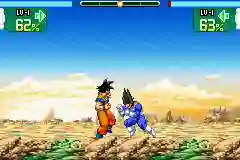
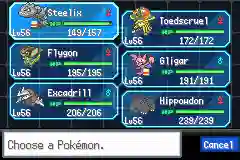
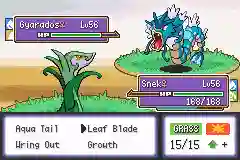
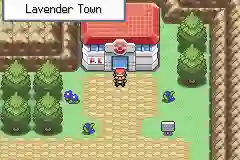
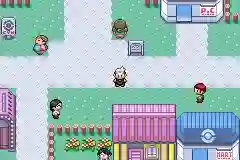
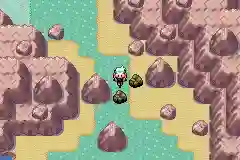
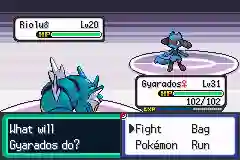
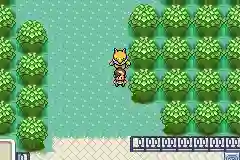
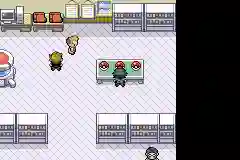
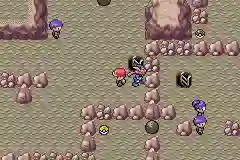
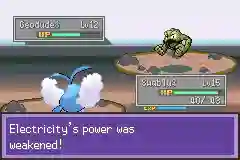
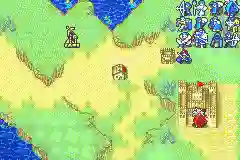
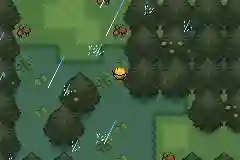
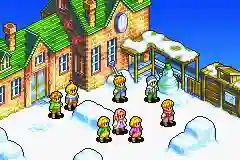
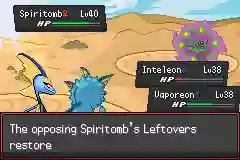
Pokemon Sovereign of the Skies is a role-playing game for Game Boy Advance, released in 2003.
Use the first few encounters to see which choices cost a turn and what comes back afterward. A reliable response to ordinary fights leaves you more room to experiment when an unfamiliar enemy appears.
How to Play Pokemon Sovereign of the Skies in Your Browser
- Open the player. Select Start Game inside the game window if you see that button. This launches the browser player; it is separate from the Start input used inside the game.
- Wait for the game screen. Let the Game Boy Advance game finish loading before pressing any keys. If you get an error before play starts, try reloading the page once on a stable connection.
- Check an input. Click inside the game window and test one direction, then one action. For a connected gamepad, open Control Settings and check how the player assigned its buttons.
Use the on-screen controls if your browser shows them. Landscape orientation can give you more room; if pressing two inputs together is awkward, try a compatible gamepad or a desktop keyboard.
Pokemon Sovereign of the Skies Controls
| Keyboard | Controller input |
|---|---|
| Arrow keys | D-pad |
| Z / X | A / B |
| Enter | Start |
| V | Select |
| Q / E | L / R |
These are default player-one bindings. What a controller button does depends on the game and its current menu or mode. If you changed a binding in Control Settings, use that assignment instead.
Pokemon Sovereign of the Skies Tips
- What to try first. Check the type matchup and keep a response ready when your most-used move stops working.
- Read before buying. Compare what you have equipped with one available alternative before spending. Check the effect you need now rather than chasing the largest number.
- Try one change. Swap one action or party choice at a time. Watch what changes in the next similar encounter before deciding whether the new plan works.
- Leave room to retreat. Check your resources before advancing to a new area. Turn back when you still have enough to handle the trip, not after you have used everything.
Games Like Pokemon Sovereign of the Skies
- Pokemon Radical Red: Another role-playing game on Game Boy Advance; check your options before spending turns or supplies.
- Pokemon Unbound: Another role-playing game on Game Boy Advance; check your options before spending turns or supplies.
- Pokemon Fire Red Extended: Another role-playing game on Game Boy Advance; check your options before spending turns or supplies.
- Pokemon Ultimate Fusion: Another role-playing game on Game Boy Advance; check your options before spending turns or supplies.
- Pokemon Emerald Extreme Randomizer: Another role-playing game on Game Boy Advance; check your options before spending turns or supplies.